Reliable Features that Make Evidence Recovery Easiest

Unique Attributes Of MailXaminer Description

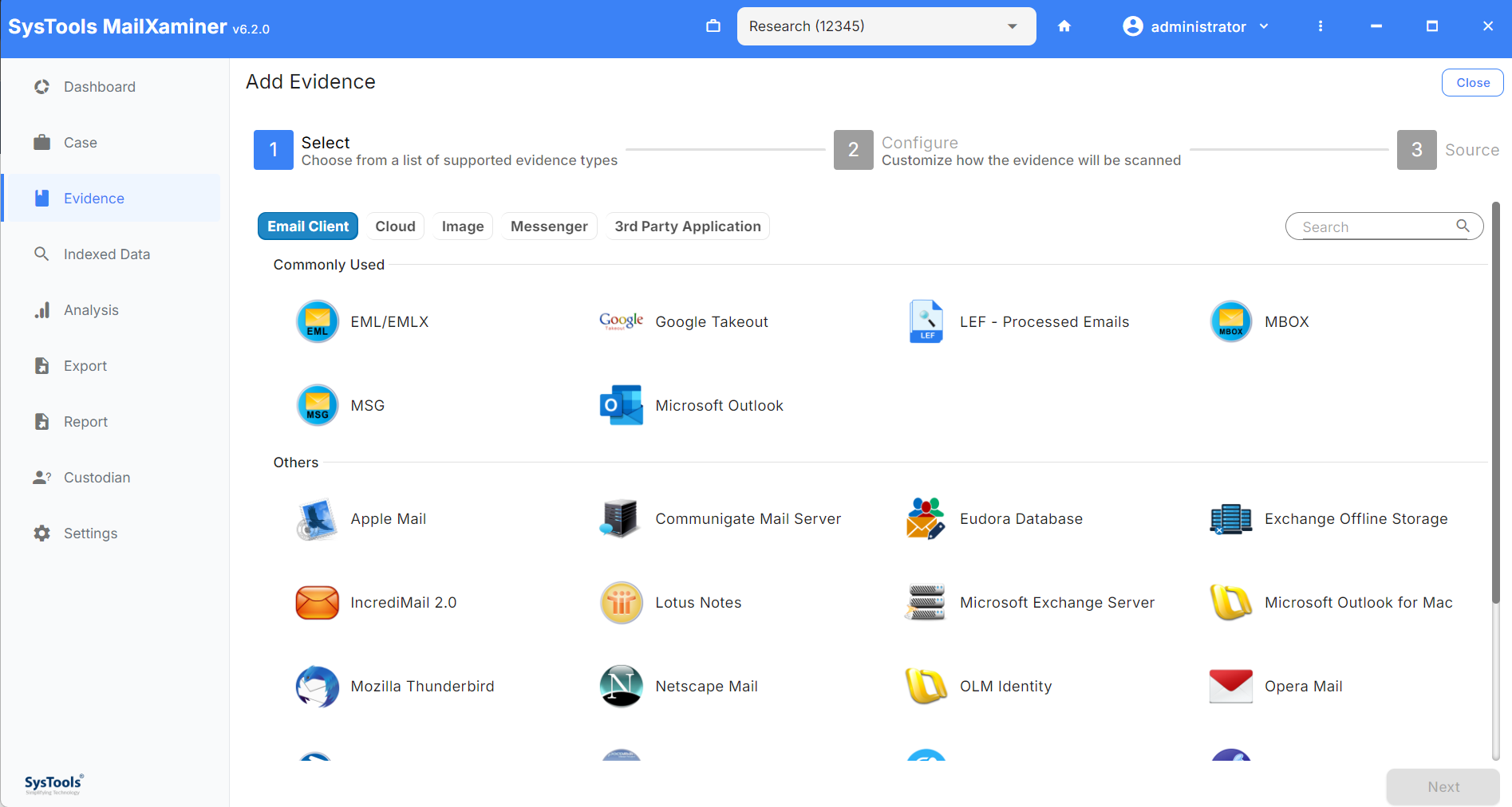
Support of Multiple Email Format


Discover & analyze email of The Bat, Mozilla Thunderbird, IncrediMail, Outlook, Exchange, Mac Outlook for accessing email & its internal properties
Different Export Option Save cases and search result to evidence list from email contacts & attachments by exporting them into either EML, PDF, MSG and HTML format or in the inherent format (for attachments only).

Recover corrupted Email


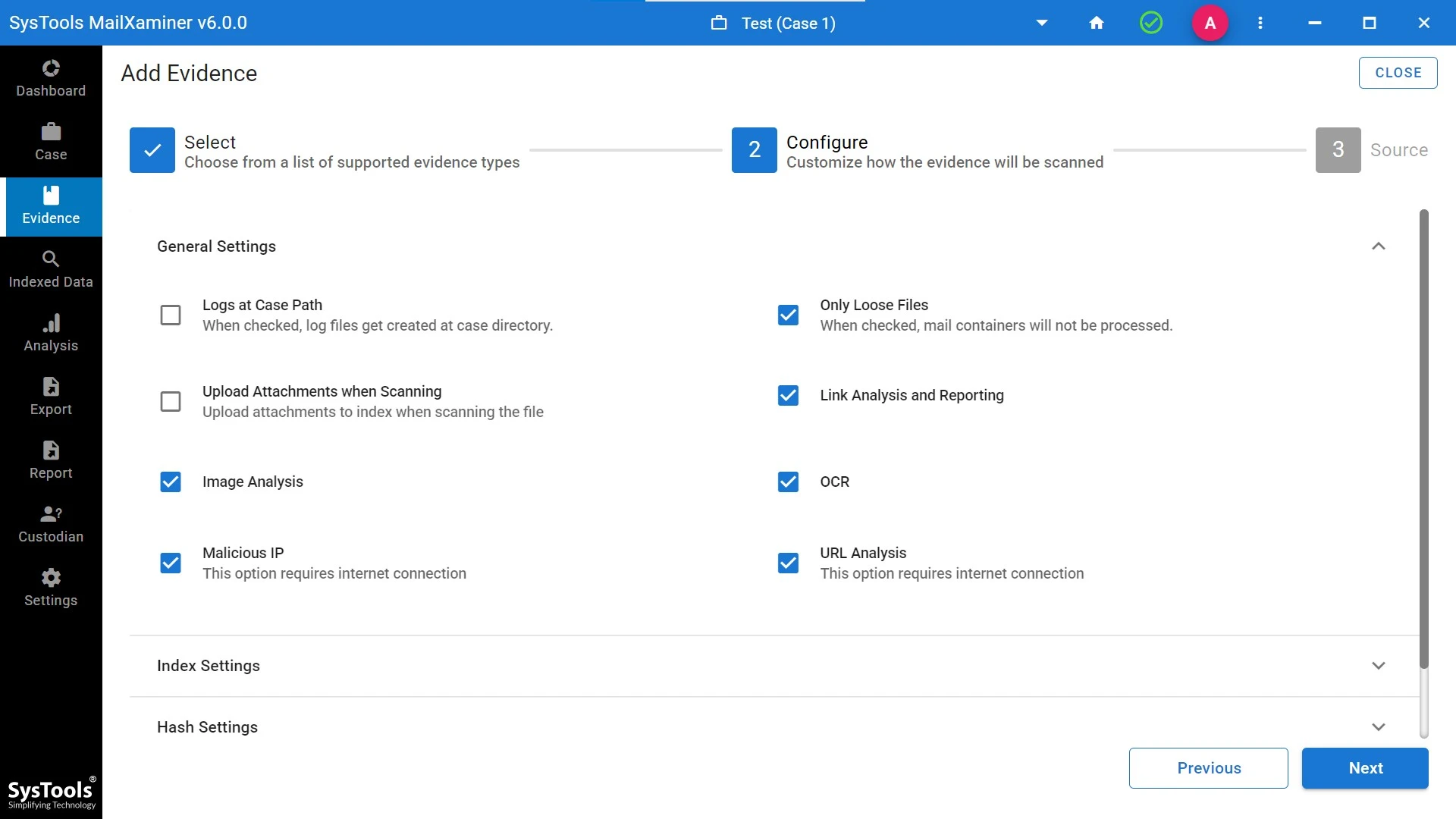
Use Advance scan option in order to recover corrupted EDB, EML, PST, OST, OLM, IMM, TBB, MBX and MBOX emails, contacts, calendar, task, list etc.

Maintain Case Repository


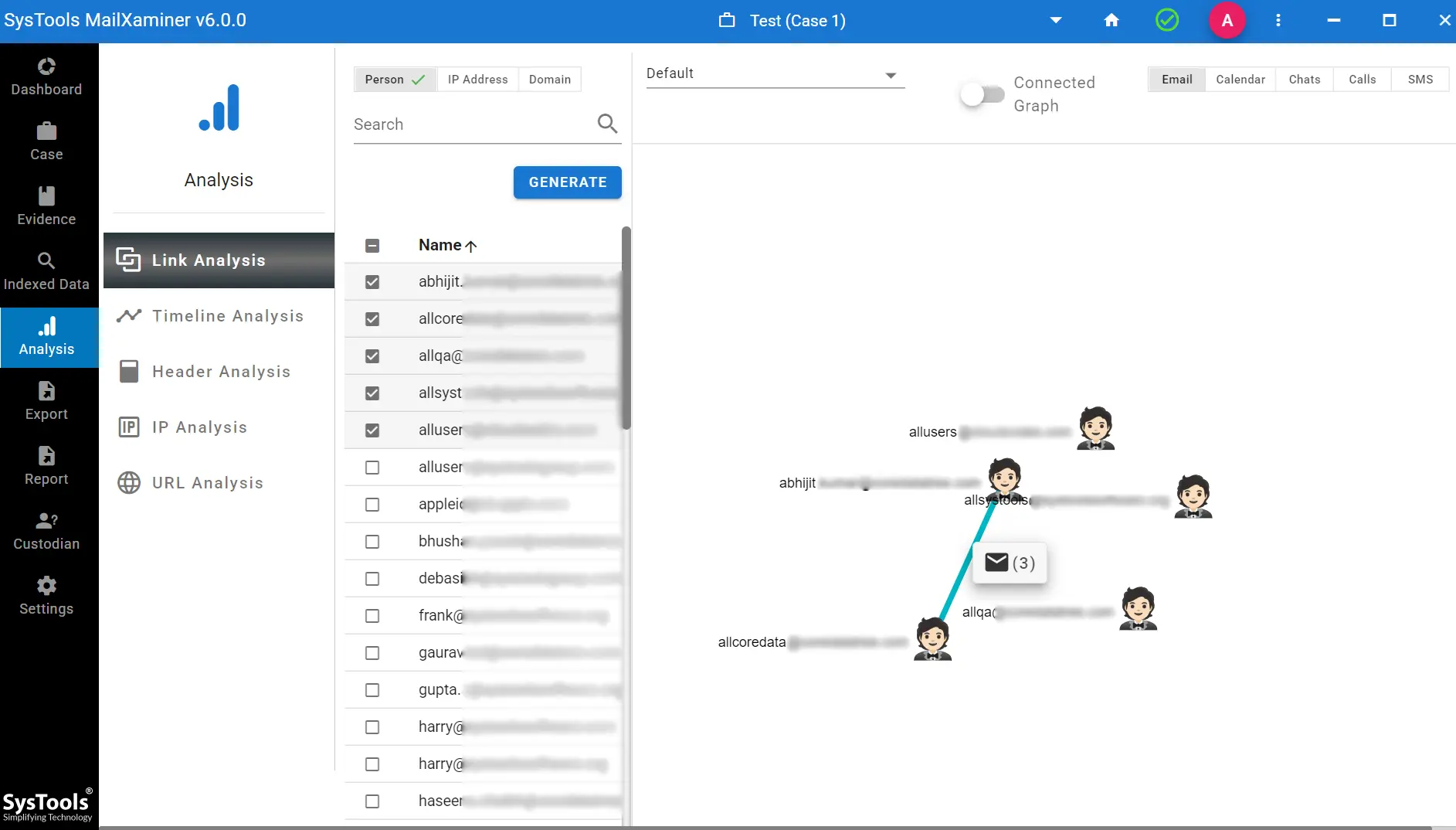
Save case from mails and attachment and create case details by filling important credentials of the case which will be used for recovering cyber crime email.

Support SMTP Access


Any email program that allow SMTP program can be easily configured with Email Examiner network forensic tool. Also the case can be sent via tool at remote email program after configuring it.

Mail View Option


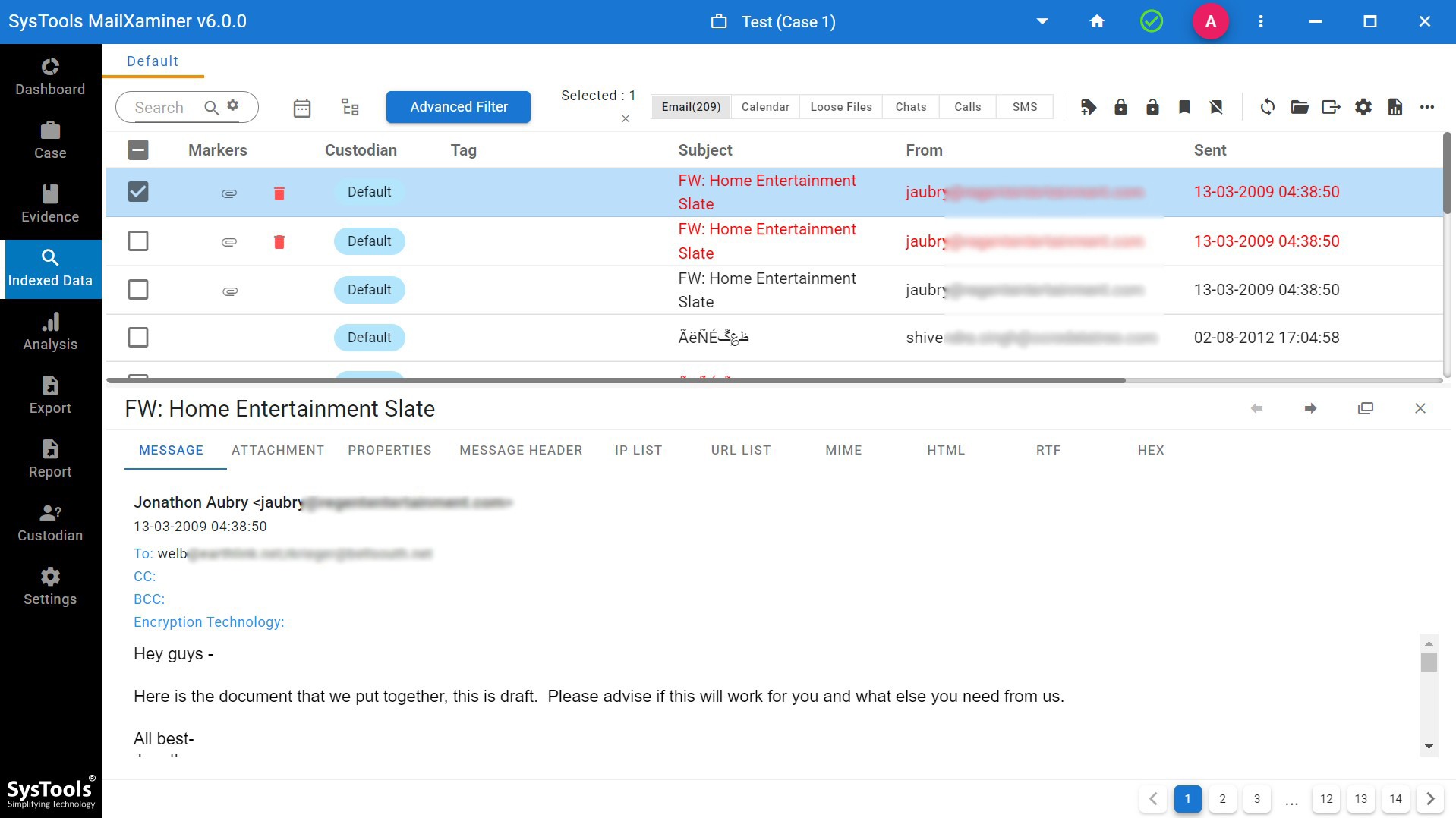
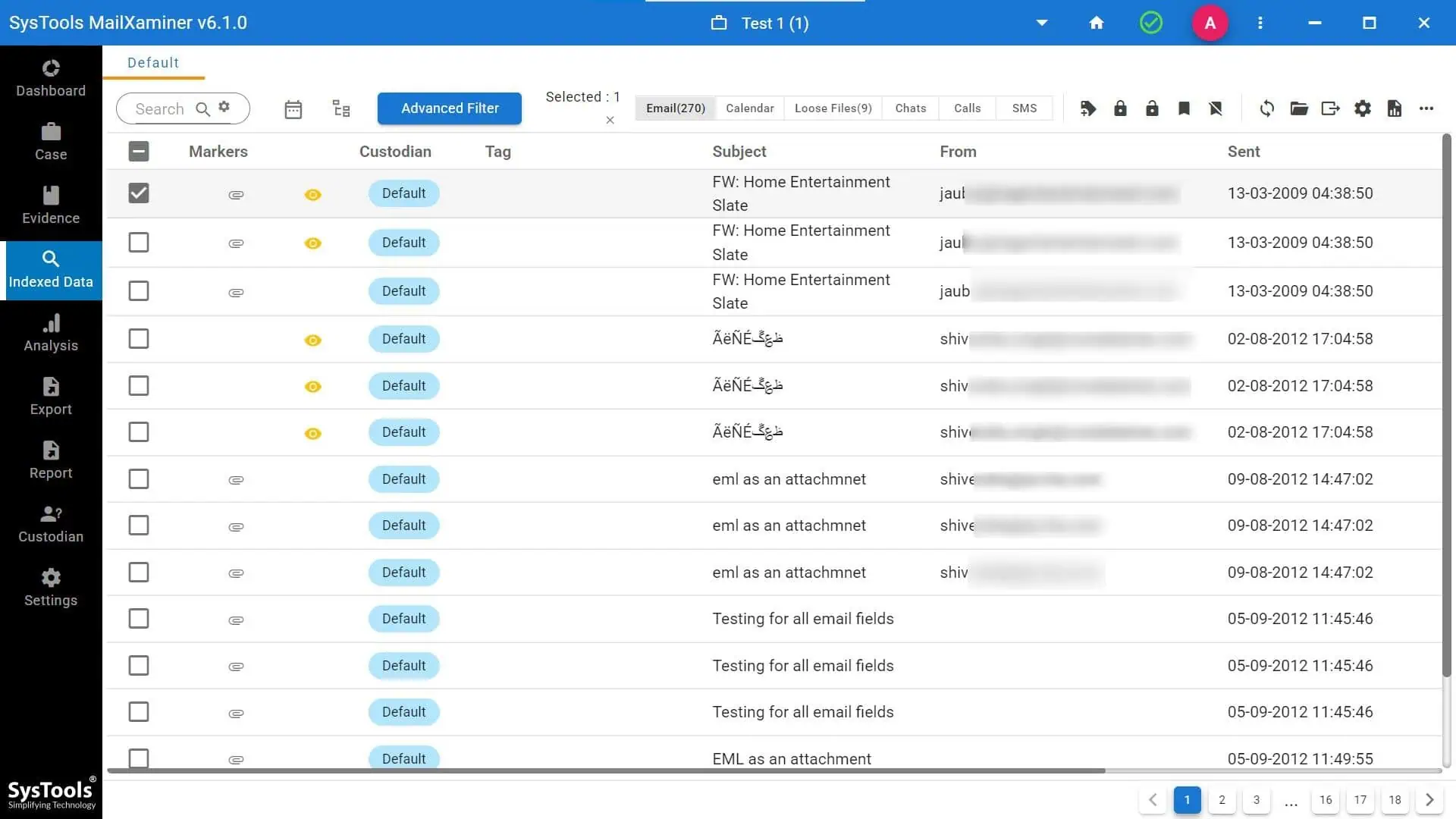
Hex format, Normal, Property view, Email Header view, MIME view, HTML, RTF and Attachment view of any email represent the complete email modules in a very organized manner with forensic evidence recovery software.

Attachment View Option


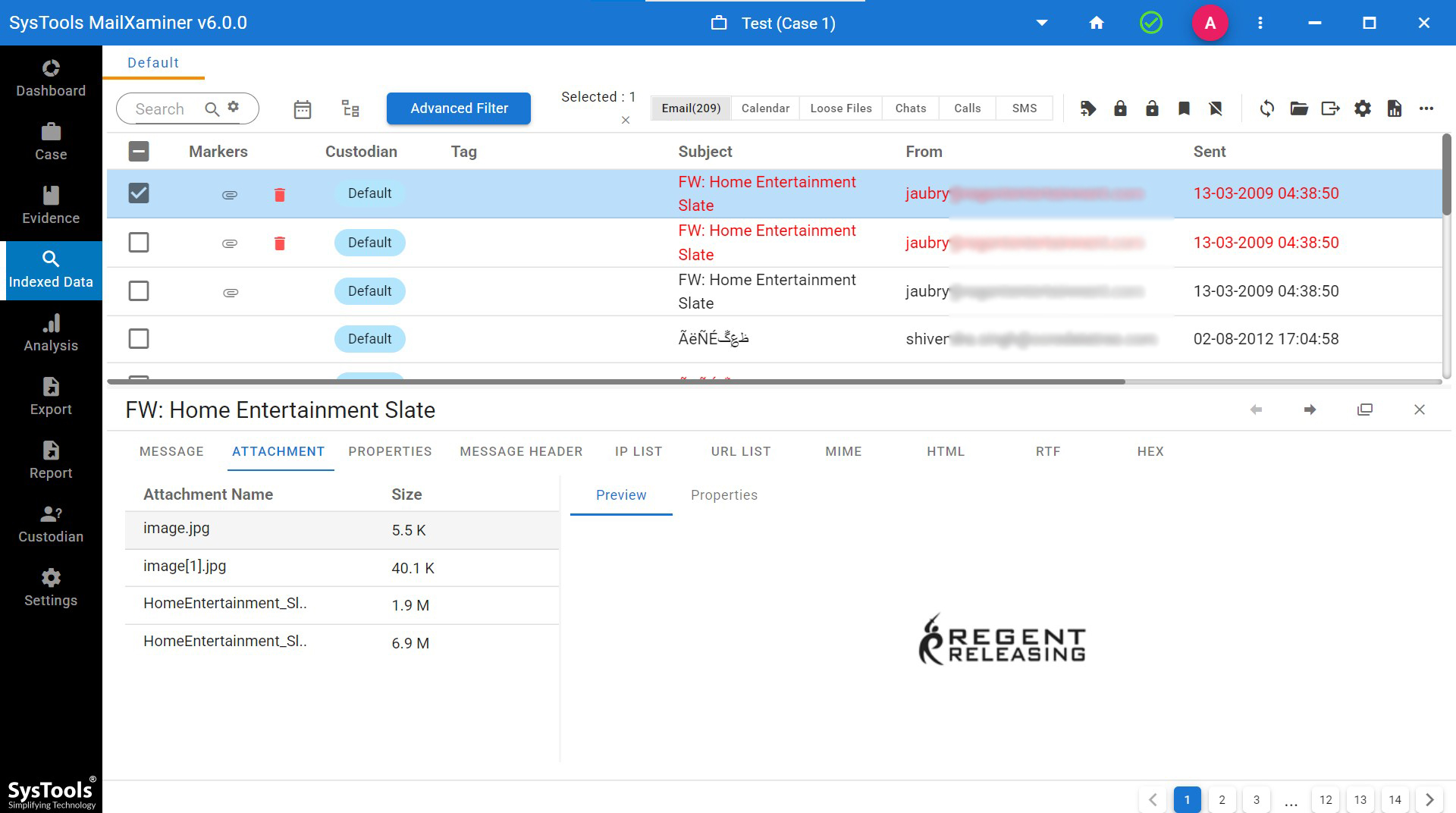
Represent any format of email attachment in Hex and Normal format, with this property view of mail/attachment and normal complete mail view is also available.

Multilingual Digital Recovery Software


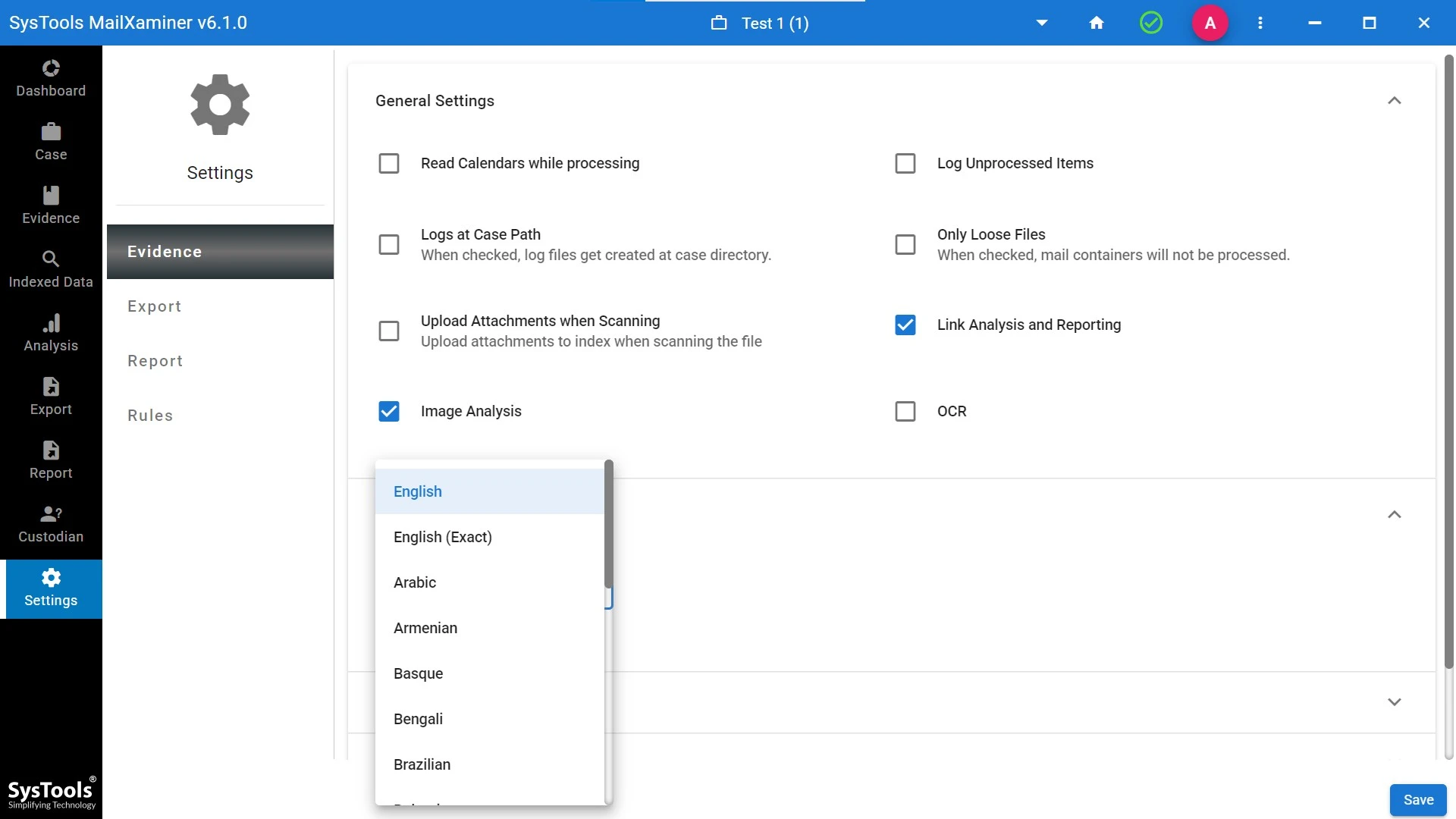
Two options i.e. English and Japanese available in this forensic software. Easily change the language in Option Menu of Digital Evidence recovery tool.

Import Cases


Import evidence from local machine or network of email header in case of adding other related evident information.

Powerful Search Engine


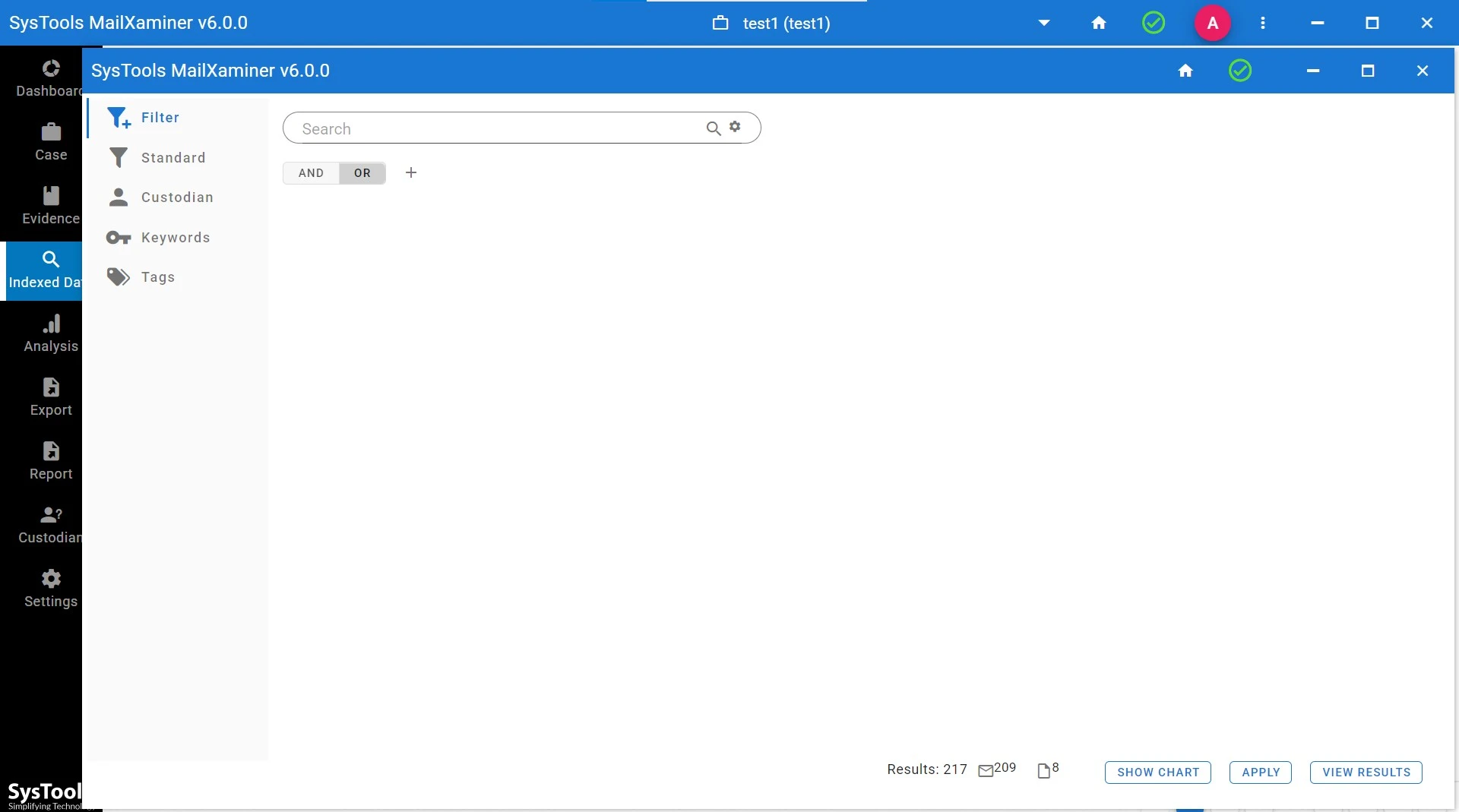
Fastest filtration capability restore forensic email evidence emails & contacts in accordance of user's desired criteria help in easy searching of any evidence. The criteria can be defined on the basis of emails From, To, Bcc, Cc, Body, Creation/ Modification Date, Sender/Receiver Name.

Search Menu


Save Case for saving selected search results, Open Case for opening user created case and clear search history option make search a reliable feature in Email Examiner.
Remove Duplicate Search Results

The duplicity of search results and can be easily discarded with this network forensic analysis toolkit.

Copyright © 2013 | All Rights Reserved
Live Chat