How to See Hidden Text in Email – Forensic Investigator’s Complete Guide


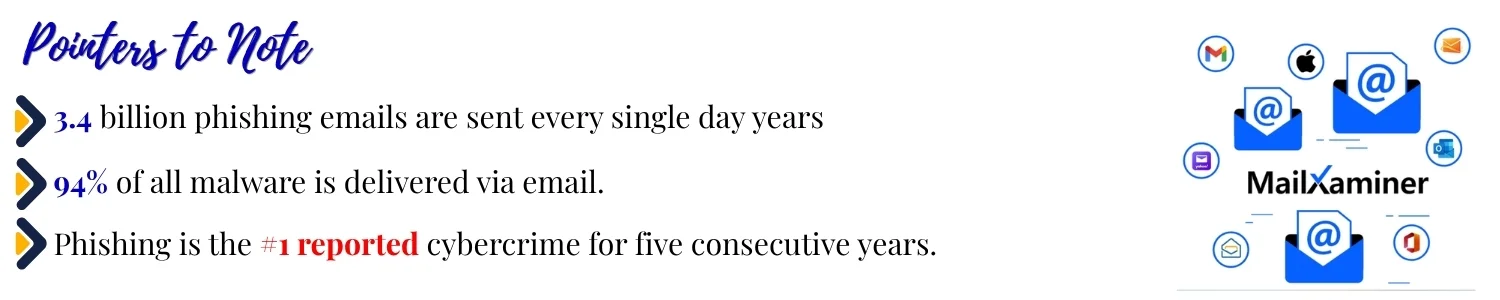
Hidden text in emails is very common and it is more dangerous than it looks. Here is exactly how investigators find it, method by method.
Blog Overview – When you see an email. It looks clean, few lines of text and nothing suspicious. Inside it, there is raw code. Invisible to an eye and there are:
- Hidden instructions
- Concealed tracking data
- Text developed to fool spam filter.
This is not a rare case. It is documented and widely used technique found in:
- Phishing attacks.
- Corporate fraud cases.
- Criminal communications investigated worldwide.
To see hidden text in an email, you need to go above what your inbox shows you. The view your eyes get is only the surface. Real content is what lives in the raw data underneath. This comprehensive guide shows you exactly how to get there.
What is Hidden Text in an Email?
Hidden text is content that exists inside an email but is deliberately made invisible to the reader. It does not appear in the normal email view. It is only visible when you look at the raw underlying data.
Senders use several techniques to hide it. Some are simple. Some are sophisticated. Investigators need to know all of them. Hidden text is content that exists inside an email but is purposely made invisible to the reader. It don’t appear in the normal email view. It becomes visible when you look at the raw underlying data.
Senders of these type of emails use techniques to hide it.
- Some are simple
- Others are sophisticated.
Investigators need to know all of them.
| Technique | How it hides content | Common use | Dictation Difficulty |
|---|---|---|---|
| White-on-White Text | Font colour matches background which is invisible to the eye | Spam filter evasion and phishing | Easy |
| CSS: display:none | HTML element rendered but it is hidden by stylesheet | Tracking, A/B testing, fraud | Medium |
| Font-size | Text present is present but scaled to invisible size | SEO manipulation and filter bypass | Medium |
| HTML comments | Text wrapped in <!– –> tags which is never rendered | Covert messaging, instructions | Easy |
| Zero-width characters | Unicode characters with no visual width injected in mid-text | Fingerprinting, covert data | Hard |
| Base64 payloads | Encoded content hidden inside MIME parts | Malware delivery and data exfiltration | Hard |
| Image steganography | Data embedded invisibly inside attached images | Criminal communication and Corporate espionage investigations. | Hard |
Each technique needs a different method to detect. Let us go through them one by one.
Method 1: Reveal white text and CSS-hidden content
Select All Technique: It is the simplest form of hidden text. White text on a white background. This is found in a large number of phishing emails. This method is used to stuff keywords that can help the email pass spam filters without the recipient observing anything unusual. Selecting all text in email body immediately proves this.
Open email in your client, Gmail, Outlook, Apple Mail, or Thunderbird.
- Click inside the email body to place your cursor in the content area.
- Press Ctrl + A on Windows or Cmd + A on Mac to select all content.
You can watch highlighted text that was not previously visible. White or near-white text will now show against the selection colour.
For CSS-hidden text, view page source of an email
- Right-click and choose View Source.
- Use client’s “Show Original” / “View Source” option.
Search Ctrl + F for display:none, visibility:hidden, or font-size:0 to locate hidden CSS elements directly.
Method 2: Read the raw MIME source
MIME Structure Analysis: Every email is built on MIME standard. Multipurpose Internet Mail Extensions. MIME structure can contain multiple parts:
- Plain text
- HTML body
- Attachments
- Embedded objects
Hidden content is frequently inside MIME parts that is never visible on screen.
Gmail: Click the three-dot menu in top right of email. Select show original. In this data you can find MIME source.
Outlook
- Open email
- Click on three-dot menu. In top right.
- Under view, Click view message source. (Complete Email header will be visible)
Search for <!– tags, any content between these HTML comment markers is intentionally hidden from the rendered view. We hope you are getting some clarity on how to see hidden text in email.
Method 3: Full Header Forensics
Email headers contain routing data, authentication results and origin IP addresses. None of which the recipient sees. For investigators, the header is often where the most critical hidden information lives. Missing SPF, DKIM and DMARC records are red flags that signal email did not come from where it claims.
- Access full headers using your email client’s “Show original” or “View source” function as described in Method 2. For going deeper into header analysis opt for a good email header analyzer tool.
- When checking Headers locate Authentication-Results field. Check for SPF: pass, DKIM: pass, and DMARC: pass. Any failure here is documented authentication red flag.
- Find the Received: fields: Read from the bottom up. The lowest Received header is where the email actually originated.
- Extract origin IP address and d run a reverse lookup using ARIN or RIPE to identify the server location and hosting provider.
A single authentication failure do not automatically confirm malicious intent, but pattern of failures combined with hidden content is a strong red flag. For example, an email that fails DKIM and also contains white-on-white text or CSS-hidden elements is far more likely to be part of a coordinated phishing or fraud attempt than a legitimate message with a minor configuration issue.
Investigators should always cross-reference header findings with content-based hidden text before drawing conclusions, since either signal alone can produce false positives.
For more details on how to check email headers, watch the video.
Related Read – Insider Threat Investigator Jobs
Method 4: Detect Steganography and Zero-Width Characters
Advanced hidden data detection – This is the layer investigators miss. It is where most sophisticated concealment happens. Zero-width Unicode characters:
- Zero Width Joiner (U+200D)
- Zero Width Non-Joiner (U+200C)
These are inserted invisibly between visible characters. They carry no visual weight but can encode binary data. Similarly, image attachments can carry hidden payloads using steganographic embedding techniques.
- Copy email body text in a Unicode inspector. Paste into a hex editor or Unicode analysis tool and look for characters in U+B to U+200F range hidden between visible text.
- For image attachments, extract image and run it through a steganography detection tool.
- Check raw byte count of an image file. A file significantly larger than expected for its resolution and format is a common steganography indicator.
- Use dedicated email forensics software – automated detection is the only reliable method at scale, as manual inspection of zero-width characters across a large email dataset is not feasible.
Related Read –
Wrapping-Up
We hope from the information above you are clear in how to see hidden text in email. Manual ways of finding it are goood for small data. Advanced investigations demand specialized tool that can investigate email content at scale and preserve evidence. Detection of hidden text helps investigators and organizations identify fraud and other forms of malicious communication before they cause harm.
Frequently asked questions
Q – Can Emails really contain hidden texts ?
A – Yes. Senders can hide text using white font on white backgrounds, Via CSS properties like display:none or font-size:0, HTML comment tags, and zero-width Unicode characters. All invisible to the naked eye but fully present in raw email data.
Q – How forensic investigators find hidden text in an email?
A –Investigators basically use four methods:
-
- Selecting all text to reveal colour-matched hiding.
- Reading the raw MIME source for hidden HTML and base64 payloads.
- Analysing full email headers for authentication failures and origin routing. Using dedicated forensic tools to detect steganography.
- Unicode character injection at byte level.