Forensic Recovery of Evidence via MailXaminer
Technology has altered the way we deal with the information. The expeditious growth in the use of digital devices leads to the gradual increase the communication through the electronic devices. Emails are the commonly using communication medium for personal as well as the business purpose. Due to this Cyber criminals consider it as best plat form for their criminal activities.
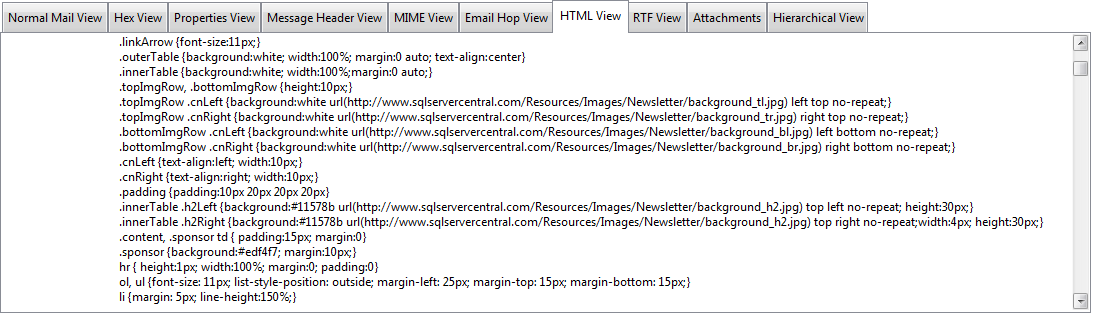
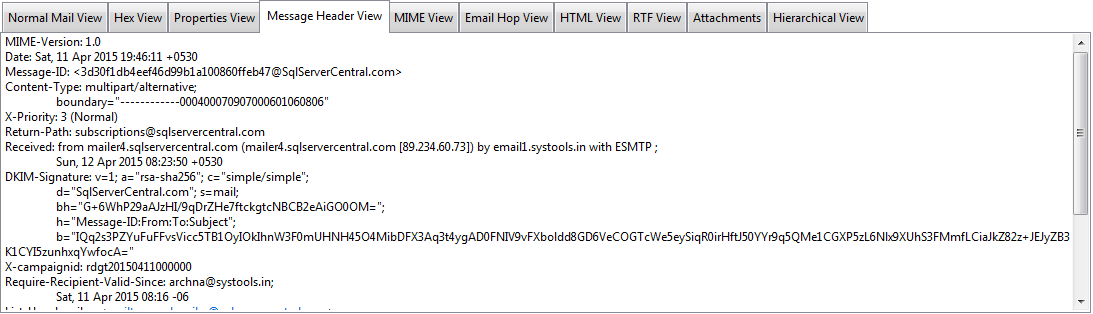
On daily basis, computer threats get downloaded through emails that is channelized either through internet or through corporate networks. Digital forensic recovery of evidence from email data via forensic recovery software for digital evidence analysis is one of the prominent modes civil or criminal legal proceedings. In email forensic investigation email messages, their headers, server logs, attachments can act as the email evidence in court.
Possibly, an email might contain the threat or it is used as a medium to spread the threat. Email forensics and investigation involve the idea of forensic email recovery using software, hardware, and intellect techniques to find evidences in cases like felonies or identity theft.
Characteristics of E-mail evidence
Forensic recovery of evidence and analysis data always help to extract very crucial information related to the case and criminal activities. Nowadays most of the peoples uses email just like telephonic conversations so that it may contains very personal to official data with in it. The mail characteristics of the email evidence will help you to understand more about the computer forensics evidence recovery process in email files.
- Informally edited: In order to consider an email as an evidence, it is important to verify the location from where the email has been sent. It is important that examiner looks out for the crime that has happened and does it comes under criminal activity according to the state law. In such cases, legal advice is needed to start up and proceed the investigation so that time and resources do not get wasted on a non-issue.
- Hard to delete: Even the emails are used for casual communication it will create permanent records of that communication is created. Just like the paper communication it is very defecate to remove the complete trace of email communication. The normal delete option will not delete the complete information instead the status of the data in the disk drive will change to “not use” It can easily recover by forensic experts forensic evidence recovery device.
- Contents are easily forged: Email data can be easily edit or change through open in computer which can overwrite the existing file. Most of the email systems allow to edit or change the content before forwarding. Such alterations are difficult to understand. This characteristic of the email makes the Forensic recovery of evidence most valuable during investigation.
In order to consider an email as an evidence, it is important to verify the location from where the email has been sent. It is important that examiner looks out for the crime that has happened and does it comes under criminal activity according to the state law. In such cases, legal advice is needed to start up and proceed the investigation so that time and resources do not get wasted on a non-issue.
Forensic Recovery of Evidence Starts with Preservation & Collection
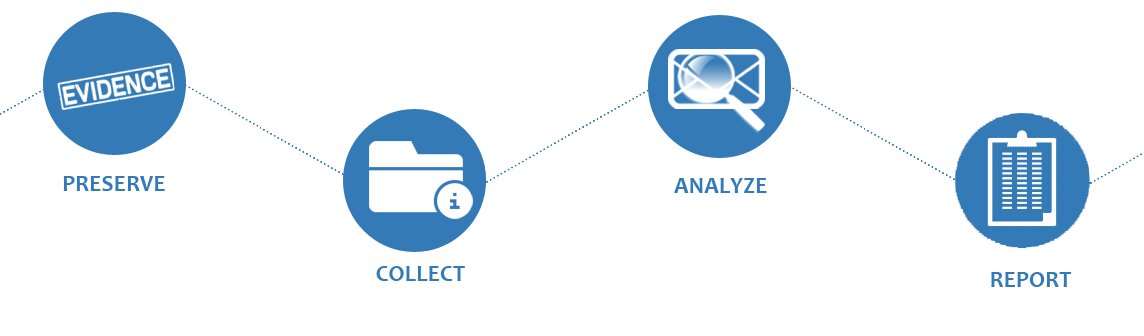
Once it is confirmed that a crime has happened through mail, the next step is the digital forensic evidence collection and have access to the messages in question. For investigation, the email database can either be collected from local machine or ISP server. Email messages, their headers, the server logs are some of the crucial elements that can act as evidence. In most of the cases, the server administrators are reluctant to cooperate and this is when forensic examination tools can help collect the email database.
In the Forensic investigation after the collection email data the most important process is the preservation of the email. Because it will contain very critical evidences related to the investigating case hence it is very important to prevent the data from overwritten, corrupted or destroyed.
Digital Forensic Evidence Collection via Forensic Recovery Software
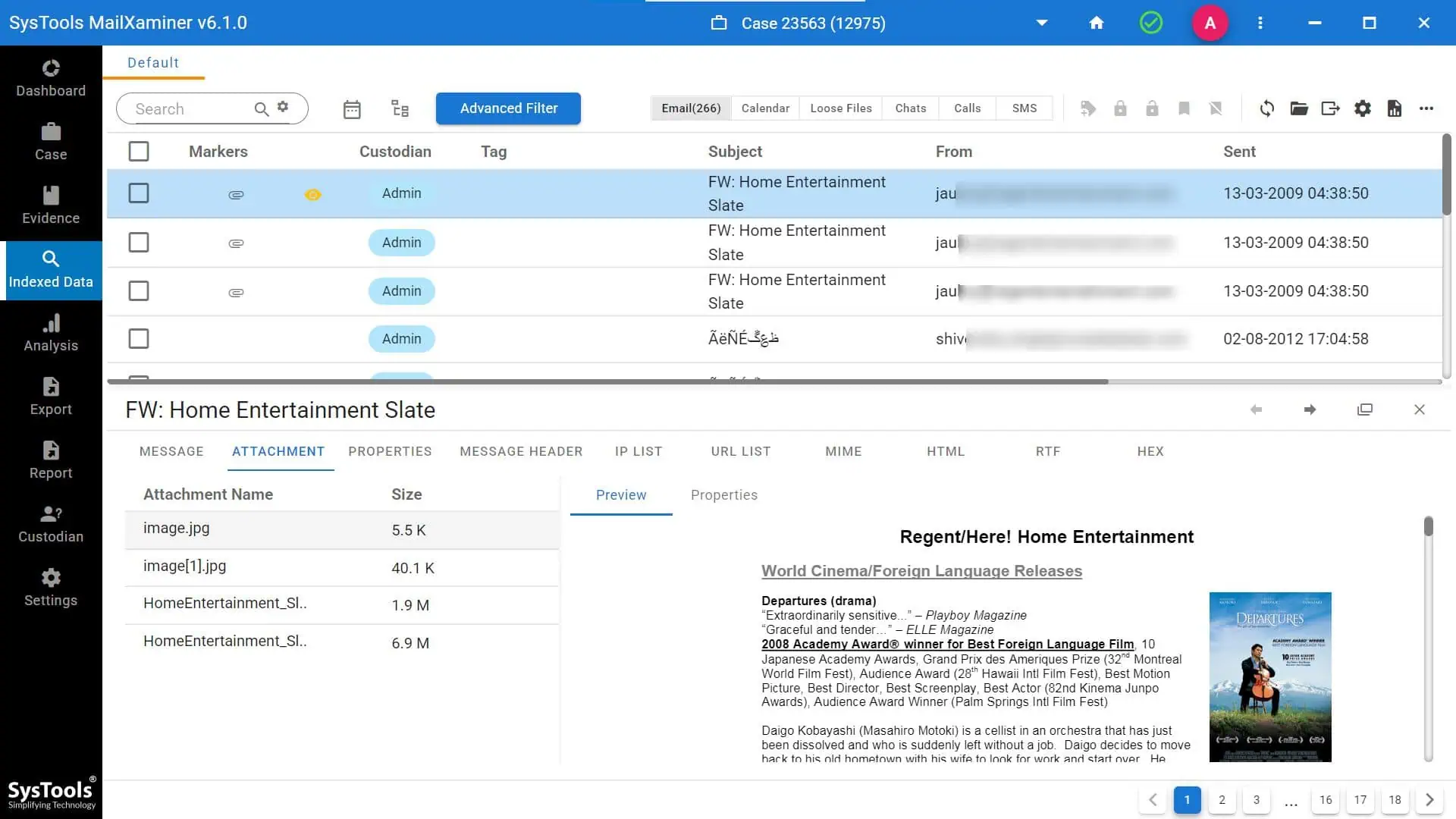
MailXaminer is smartly designed solution for preservation, analysis and Forensic recovery of evidence from email data. This email analysis software works on Windows platform and introduces the features help to get through the challenges of forensic email recovery. Here is a glimpse of what software can do to simplify the analysis phase of eDiscovery.